
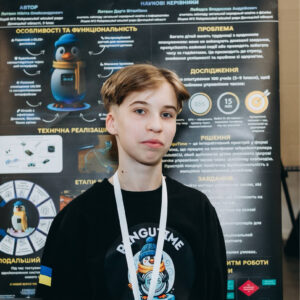
PenguTime.
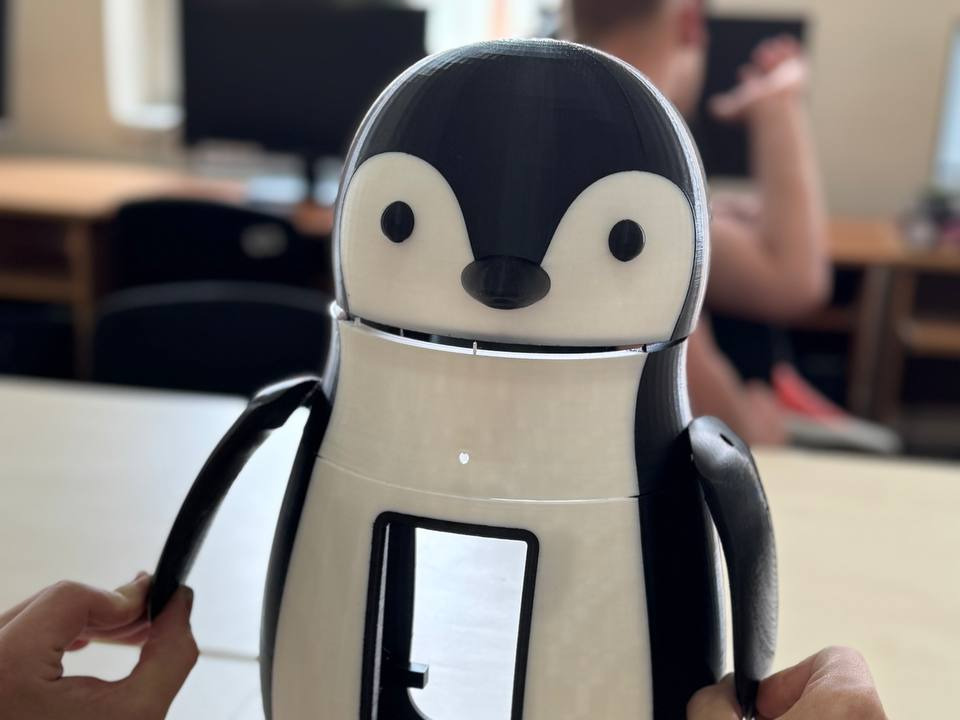
PenguTime is an intelligent Raspberry Pi 4-based system with computer vision for attention monitoring, focus support, and time management.
 Grade 10
 Pokrovsk, Donetska Oblast
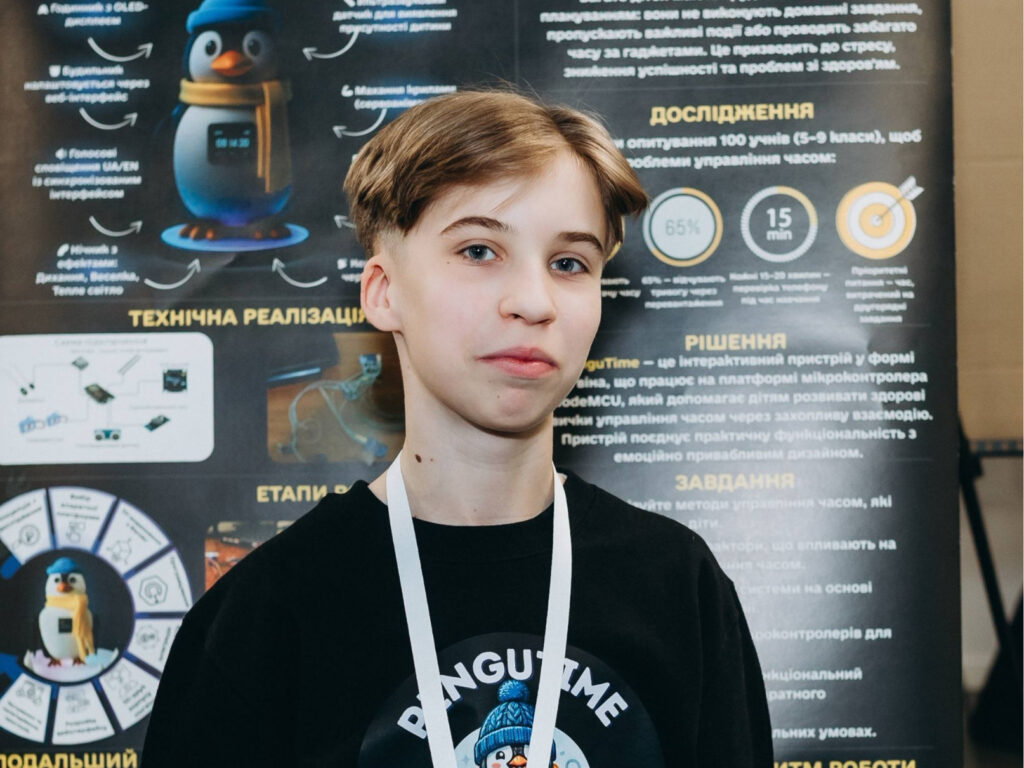
Why Нікіта Литвин created the PenguTime.
The idea arose from a problem familiar to me: modern teenagers spend more than 7 hours a day on digital devices, yet constantly feel they lack time for studying. The smartphone has become the main factor distracting from focused work.Instead of fighting this with willpower alone, I decided to create a technological solution — a device capable of automatically tracking the moment of distraction and gently reminding the user about it without irritating them.This is how PenguTime came about — a "smart penguin" based on Raspberry Pi 4 with computer vision (YOLO26n) that sees when a person leaves their workplace or picks up their phone, and reacts with wing movement, sound, and lighting. The PenguFocus mode implements the Pomodoro technique, and the PenguCoin gamification turns self-discipline into a game.The goal is to help teenagers consciously manage their time by combining computer vision technology with a friendly way of interaction, suitable for home, school, and smart home systems.

How the PenguTime works.
At the heart of the device is the Raspberry Pi 4 single-board computer and the YOLO26n neural network, which analyzes the video stream from the camera in real time and detects the presence of a person and a smartphone in the work area.PenguFocus mode — an intelligent Pomodoro technique: the system monitors whether the person is in place and whether a distracting phone has appeared nearby. When distraction is detected, the penguin reacts with moving wings, a sound signal, and LED lighting (warning, rest, night mode).For successful focus cycles, PenguCoin is awarded — an in-game currency that motivates self-discipline.Sensors monitor air temperature and humidity, and the device can be controlled via a touchscreen display.All video processing is performed locally, without transmitting data to the cloud.

Are you a student inventor?
If you have an idea to solve a real problem in your community, we want to hear from you.

0 comments.
Sign in to join the conversation.